The creator economy can make exhaustion look like ambition. A streamer works 10, 12, even 14 hours, then treats another late-night session as proof of commitment. But a sustainable daily streaming routine works differently. It treats stamina as part of the production system, not something you sacrifice to keep the camera on.
That distinction matters. A 2024 study of 343 full-time Chinese live streamers found that 30.6% experienced burnout, with factors including job stress, follower fluctuations, streaming conditions, and work patterns.
The goal, then, isn’t simply to stream more. It’s to make each hour count without turning your body and attention into disposable equipment.
1. Build a Daily Streaming Routine Around Energy Instead of Raw Hours
The biggest mistake is scheduling a stream as if every hour of the day produces the same amount of energy. It doesn’t.
A better system divides the workday into performance, production, and recovery.
Start With a Short Pre Stream Prep Instead of Going Live Cold
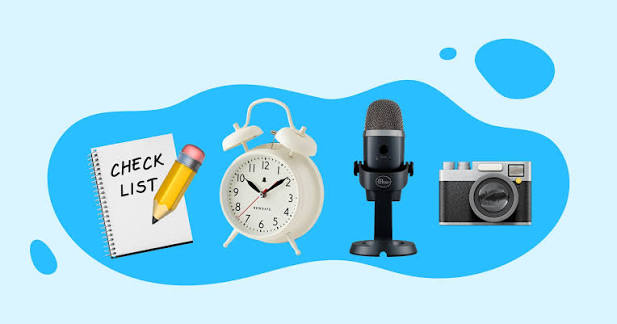
The first 20 to 30 minutes should not be treated as dead time.
Use them to:
- Drink water.
- Check microphone levels.
- Test camera and lighting.
- Review the stream objective.
- Warm up your voice with gentle speaking exercises.
- Open only the applications you actually need.
- Decide the first topic or activity before going live.
This small routine reduces the mental friction of starting. It also prevents the familiar situation where the first 15 minutes of a broadcast are spent fixing settings while viewers wait.
For voice-heavy creators, hydration and sensible vocal preparation are especially useful. The point isn’t an elaborate singer’s warm-up. It’s simply arriving on stream physically ready to talk.
Use Focus Blocks to Separate Streaming From Everything Around It
Streaming often looks like a two-hour job from the outside. In practice, those two hours can create another two or three hours of preparation, clipping, moderation, messages and analytics.
Instead, assign separate focus blocks.
For example:
- 30 minutes: setup and preparation
- 120 minutes: live broadcast
- 30 minutes: immediate admin
- 60 minutes: editing or clipping
- 30 minutes: analytics and planning
- 60 minutes: genuine recovery
This prevents the entire day from becoming one giant stream-shaped work session.
Let Schedule Management Protect Your Best Hours
Don’t automatically put your longest broadcast at the time when you happen to be free.
Track when you naturally have the strongest voice, concentration and patience. Put high-interaction streams there.
Lower-energy periods can handle:
- Editing
- Thumbnail work
- Research
- Moderation
- Scheduling posts
- Reviewing analytics
WHO guidance on occupational stress similarly emphasizes optimizing workload and working time, regular breaks and flexible schedules rather than relying on endurance alone.
Treat Content Fatigue as a Production Problem
When every day requires a brand-new personality, burnout becomes almost inevitable.
Create recurring formats instead.
A streamer might rotate:
- Main live session
- Community discussion
- Gameplay or reaction session
- Short-form content day
- Planning and lighter broadcast
This creates variety without forcing you to reinvent the entire channel every morning.
2. Use Pre Stream Prep and Mental Stamina to Survive the Long Game
The dangerous part of streaming isn’t always the broadcast itself. It’s the expectation that you should remain socially switched on before, during and after it.
That is where mental stamina becomes a real production resource.
A creator who is physically sitting still can still be working extremely hard cognitively.
Create a Hard Stop Before the Stream Starts
Set a specific time when preparation ends.
If the broadcast starts at 7:00 PM, for example, technical preparation might end at 6:45 PM. Don’t spend the final 15 minutes endlessly checking dashboards.
A hard stop gives the brain a transition point.
It also prevents a common trap: preparing so long that you’re already tired when the actual broadcast begins.
Keep the Broadcast Structure Simple Enough to Repeat
A sustainable show doesn’t need constant novelty.
A practical structure could be:
Opening → Main activity → Community segment → Closing
The details change, but the skeleton stays familiar.
This reduces decision fatigue. Viewers also learn what to expect, which can make the broadcast feel more intentional rather than improvised chaos.
Use Breaks Before You Feel Completely Empty
Waiting until you’re exhausted is too late.
For longer streams, plan short breaks around natural transitions. Stretch, drink water, look away from the screen and stop reading chat for a moment.
The purpose isn’t to “rest harder.” It’s to prevent fatigue from accumulating unnoticed.
The WHO describes burnout as involving energy depletion, mental distance from work and reduced professional efficacy.
That last part is important for creators. Burnout doesn’t merely make you tired. It can make the work you normally enjoy feel strangely pointless.
Measure Output, Not Just Hours Live
A six-hour stream isn’t automatically better than a two-hour stream.
Track:
- Average concurrent viewers
- Returning viewers
- Chat activity
- Follower conversion
- Revenue per stream
- Clips generated
- Your energy before and after the broadcast
If two hours consistently produce better engagement and leave enough energy for tomorrow, extending to six hours may actually be bad business.
That is the core of a sustainable daily streaming routine. The schedule should protect tomorrow’s performance, not maximize today’s exhaustion.
3. Build a Post Stream Recovery System That Actually Ends the Workday
Many creators finish streaming but never really finish working.
The camera turns off. The brain doesn’t.
Messages arrive. Analytics need checking. Clips need marking. Someone comments about yesterday’s stream. Suddenly, midnight becomes another work meeting.
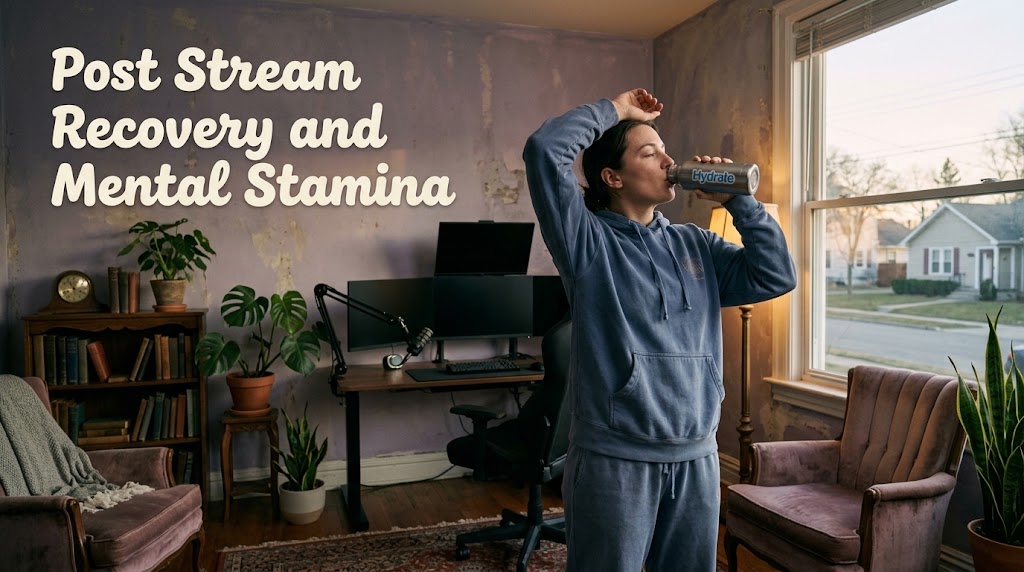
That’s where a proper decompression ritual matters.
Make the First 15 Minutes After Streaming Deliberately Boring
Don’t immediately jump into another high-stimulation task.
Instead:
- Save the broadcast.
- Make a quick note of important timestamps.
- Check for urgent moderation issues.
- Shut down the streaming setup.
- Leave the desk.
That’s enough.
Detailed analytics can wait for a separate block the next day.
Separate Mental Stamina From Audience Expectations
Viewers may want more content. That doesn’t mean every request deserves an immediate response.
Create boundaries around:
- Direct messages
- Discord activity
- Comments
- Moderation
- Analytics
- Sponsorship communication
A creator who is permanently available eventually has no real off-hours.
This is particularly relevant because research on live streamers has linked burnout with occupational pressures and follower-related changes.
Use a Weekly Recovery Day Without Turning It Into Secret Work
A day off isn’t useful if it becomes:
“No stream today, but I’ll edit eight clips and reorganize my content calendar.”
That’s still work.
A proper recovery day should minimize creator obligations. If you need to prepare content, batch it into a scheduled production block elsewhere.
For creators who want a more task-specific approach, this guide on matching livestream routines to different tasks can complement the scheduling system without making every day revolve around going live.
A Practical Weekly Blueprint for Sustainable Streaming
You don’t need the same workload every day.
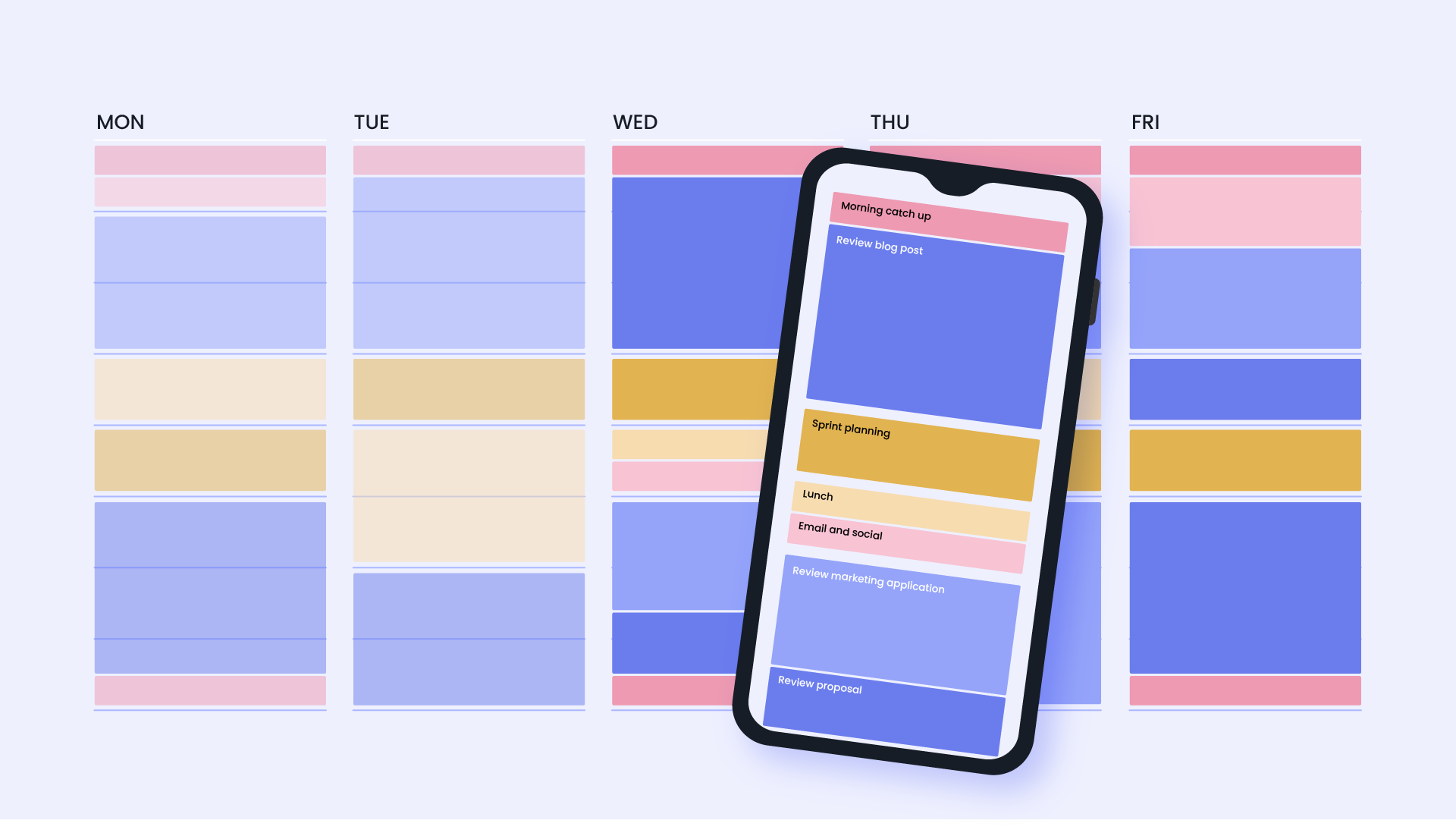
A simple structure could look like this:
- Monday: Main stream + light editing
- Tuesday: Main stream + community interaction
- Wednesday: Shorter stream + content production
- Thursday: Main stream + clips
- Friday: High-energy community stream
- Saturday: Optional longer event or collaboration
- Sunday: Full recovery or minimal planning
The exact days aren’t sacred. The principle is.
High-energy work should be followed by enough recovery to make the next high-energy session possible.
That’s much more useful than blindly chasing a daily hour target.

Samudra Pradipta has worked in digital newsroom operations and event calendar management for more than six years. He has prepared daily schedules for online discussions, sports broadcasts, public lectures, product launches, and entertainment events. His work requires careful time-zone conversion, source verification, and fast schedule updates when a broadcast is delayed, relocated, or cancelled.