Thousands of people willingly spend an hour watching someone else type in almost complete silence. It sounds bizarre until you see the result. coworking livestreams turn another person’s quiet presence into a kind of digital anchor, helping viewers start tasks they have been postponing for hours. The interesting part isn’t the entertainment. It’s the structure behind the screen.
This is where the body doubling concept becomes useful. The person on camera isn’t teaching, motivating, or even talking. They’re simply working. For someone struggling with task initiation, that tiny social signal can make an empty desk feel less empty.
Research on body doubling itself is still limited, so it shouldn’t be sold as a clinically proven ADHD treatment. CHADD and Cleveland Clinic describe it as a practical focus strategy that some people find useful, while explicitly noting that stronger research is still needed.
1. Why Coworking Livestreams Work Through Body Doubling Technique and Virtual Presence
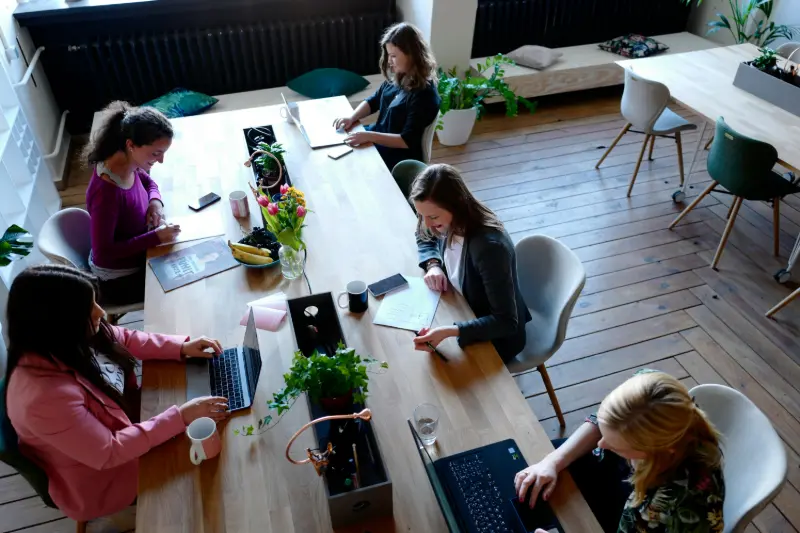
The basic mechanism is surprisingly simple. You see another person beginning a task, staying seated and continuing to work. Your brain receives an external cue that says, in effect, “this is work time.”
That doesn’t mean the stream magically increases intelligence or attention. Its value is reducing the friction between knowing what to do and actually starting.
Body Doubling Technique Gives Task Initiation an External Trigger
A body double doesn’t need to supervise you. In fact, excessive supervision can make the setup worse.
CHADD describes body doubling as having another person present while you work, either physically or virtually. The person can be doing something completely different. The important element is shared working presence.
A practical livestream setup therefore looks like this:
- Open the coworking stream before starting your task.
- Write down one specific task, not an entire project.
- Put the stream somewhere visible but not dominant.
- Start working immediately when the streamer begins a focus session.
- Avoid using the chat unless the scheduled break has started.
The last point matters. A livestream can become a distraction if the social layer becomes more interesting than the work.
Why Silent Presence Can Beat Motivational Content
Motivational videos create a burst of emotion. Silent coworking creates environmental consistency.
That’s a useful distinction.
A creator shouting “you can do it” may give you five minutes of energy. Someone quietly typing for 50 minutes gives you a visual model of sustained behavior.
A CHADD-published real-world account describes virtual body doubling through Skype, where a person with ADHD worked while family members remained visibly present but mostly stayed quiet. The setup became a practical way to make remote work feel less isolated.
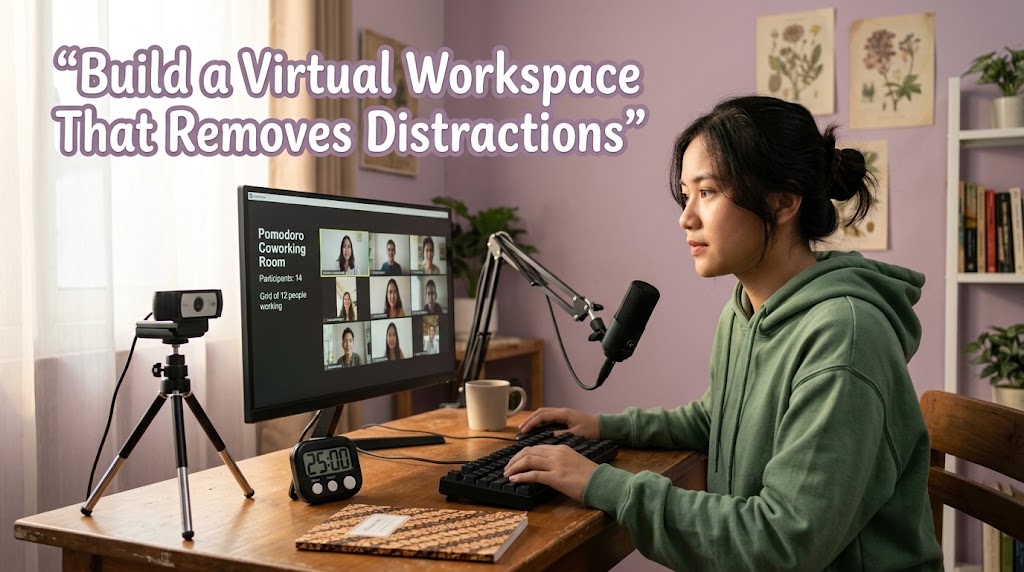
Virtual Workspace Design Should Remove More Distractions Than It Adds
The best streams are almost boring by design.
A clean desk, readable clock, keyboard sounds, soft lighting and minimal overlays are usually more useful than animated alerts.
Use a simple rule:
- Streamer visible: creates social presence.
- Timer visible: creates temporal structure.
- Chat minimized: reduces social distraction.
- Music optional: depends on the viewer’s task.
- Camera movement limited: keeps visual stimulation low.
This is also why a virtual workspace should feel like a workspace first and content second.
When Body Doubling Stops Helping
Body doubling isn’t universally effective. CHADD specifically notes that some people may end up socializing with their body double instead of working.
If you repeatedly check chat, change streams, browse comments or wait for the creator to say something interesting, the system has failed.
The goal isn’t to watch productivity.
The goal is to borrow enough structure to produce it.
2. How Focus Blocks and Pomodoro Timer Turn a Stream Into a Working System
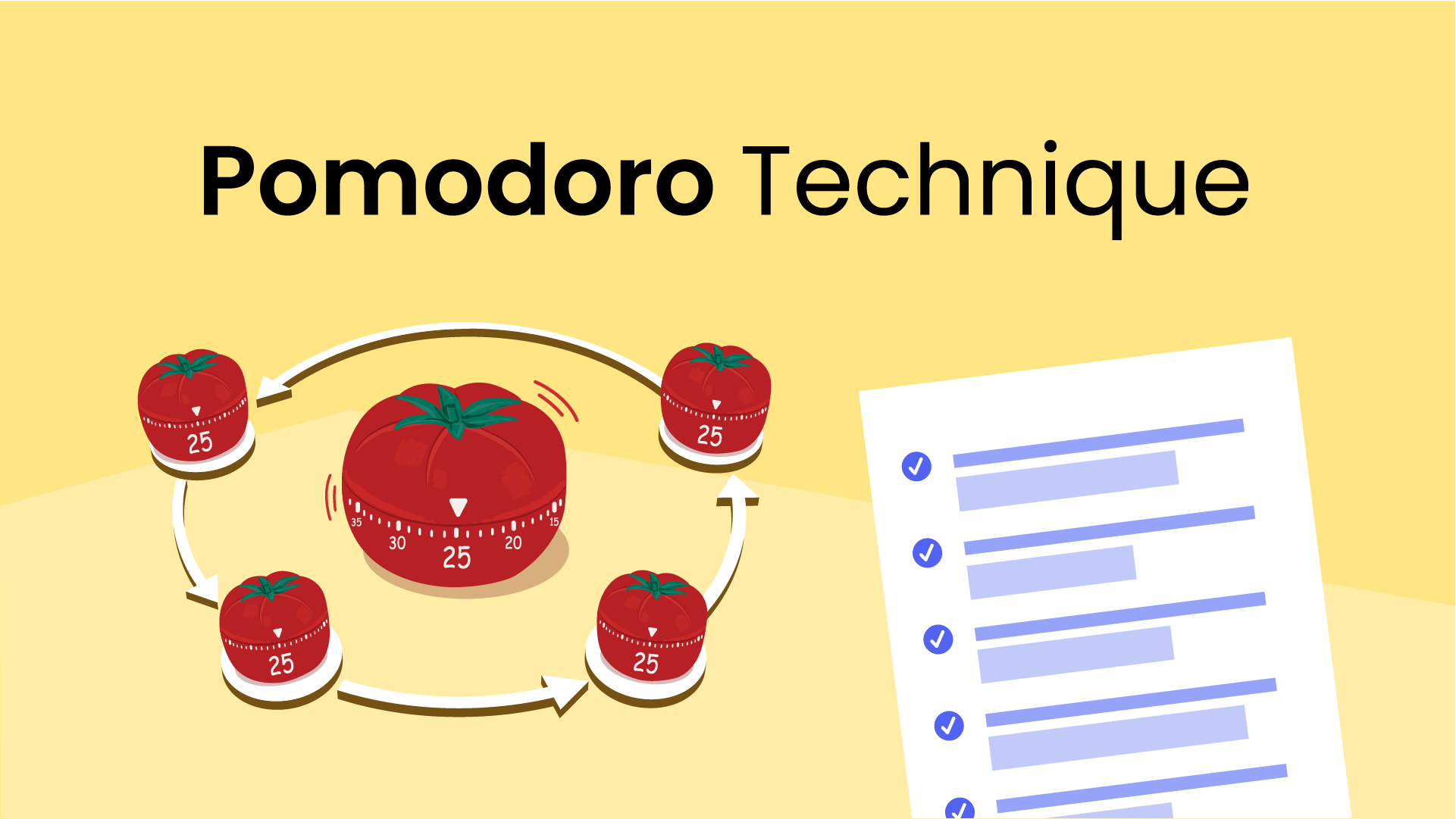
A stream becomes much more useful when the viewer knows exactly when to work and when to stop.
This is where focus blocks matter. Instead of asking yourself to “work all afternoon,” divide the session into visible chunks.
Traditional Pomodoro uses roughly 25 minutes of work followed by a short break, but current research suggests the exact timing shouldn’t be treated as a universal law.
A 2023 study involving 87 university students found that predetermined breaks were associated with lower fatigue and distraction than fully self-regulated breaks, while task completion itself did not differ significantly.
More recent research is even more nuanced. A 2025 study of 94 students found no overall productivity or task-completion advantage for Pomodoro over self-regulated or Flowtime breaks.
So don’t obsess over “25 minutes” as if it’s magic.
Choose Session Length Based on the Work
Use the stream as an external clock, then adapt the duration.
For example:
- Writing or editing: 40–50 minutes
- Email and administration: 20–30 minutes
- Reading research: 30–45 minutes
- Coding: 45–60 minutes
- Tedious repetitive work: 20–25 minutes
The important variable is uninterrupted work, not loyalty to one famous timer.
Make the Break Deliberately Boring
A bad break destroys the next focus block.
Opening TikTok, YouTube Shorts or a busy Discord server can turn five minutes into forty.
Better options include:
- standing up
- drinking water
- stretching
- looking away from the screen
- walking around the room
Then return when the next session begins.
Use the Streamer as the Start Signal
This is one of the strongest practical uses of the format.
If a streamer starts a visible timer every hour, viewers can build a predictable routine around it:
00:00 → choose task → work
25–50 min → stop
5–10 min → reset
next block → continue
The streamer doesn’t have to say anything. The repeated visual pattern becomes the cue.
Research supports structured breaks as a useful productivity framework, but the latest evidence also warns against treating one schedule as optimal for everybody. A 2026 study of 176 university students found no significant performance difference between systematic short breaks and self-regulated breaks, with self-regulated breaks producing more positive subjective experiences in that experiment.
That’s the important takeaway: structure helps, but flexibility still matters.
3. How to Build a Coworking Livestream That Supports Real Productivity
The difference between a useful productivity stream and digital wallpaper comes down to production choices.
A creator doesn’t need an expensive studio. They need predictable signals.
Keep the Camera Stable and the Desk Legible
The viewer should immediately understand what is happening.
Show:
- hands or upper body
- keyboard and monitor
- visible clock or timer
- uncluttered desk
- consistent lighting
Avoid constant camera changes. Every visual transition competes for attention.
Make Audio Functional Instead of Entertaining
Keyboard sounds, mouse clicks, room ambience and low-volume background audio can work well because they establish presence without demanding attention.
Avoid aggressive music changes, loud alerts and frequent microphone interruptions during focus sessions.
The stream should feel like somebody working beside you, not somebody performing at you.
Separate Focus Sessions From Social Sessions
Don’t mix everything together.
A strong format could be:
50 minutes work → 10 minutes chat → repeat
During the work period, chat can be slow mode or practically ignored. During the break, the creator can respond to questions.
That separation protects the productivity purpose while still giving the audience a reason to return.
Use Community Without Turning It Into Pressure
This is where coworking livestreams have an advantage over ordinary productivity videos.
Viewers can return every day and recognize familiar usernames. They don’t necessarily need direct interaction. Simply seeing the same community working can create a small sense of accountability.
But don’t frame missed sessions as failure.
A productive community should make starting easier, not make viewers feel guilty for being imperfect.
4. What the Research Actually Says About Productivity Livestreams
The biggest mistake is claiming that body doubling is scientifically proven to treat ADHD.
It isn’t.
Current evidence supports the broader idea that social presence, structure and external cues can influence how people approach tasks, but direct research on body doubling remains thin. CHADD explicitly describes the evidence base as limited, while newer experimental work is beginning to investigate virtual body-doubling systems.
That makes the format more interesting, not less.
The strongest practical recommendation is to treat a productivity stream as a behavioral environment, not therapy.
If it helps you begin, continue and finish a defined task, keep using it. If it becomes another entertainment feed, change the setup.
For creators, the winning formula is equally straightforward:
- Predictable focus sessions
- Minimal visual movement
- Clear timers
- Quiet or controlled audio
- Limited chat during work
- Consistent scheduling
- Breaks that actually encourage viewers to return
For viewers, the best test is brutally simple. Open the stream, choose one task and work until the first timer ends. Measure what you actually completed.
That result is more valuable than any productivity slogan.
For a deeper look at choosing livestream formats around the type of task you’re doing, this related guide on matching productivity livestreams to different tasks fits naturally with the same approach.
Q&A
Can coworking livestreams really help with ADHD?
They may help some people by providing external presence and structure, but they aren’t an ADHD treatment and the direct research on body doubling remains limited.
Is a 25-minute Pomodoro always better than working for an hour?
No. Research comparing break strategies doesn’t show one universal schedule that maximizes productivity for everyone. Task difficulty, fatigue and individual preference matter.
Should a productivity livestream have music?
Only if it improves your concentration. For many viewers, keyboard sounds and quiet room ambience provide enough background stimulation without competing with reading, writing or coding.
Samudra Pradipta has worked in digital newsroom operations and event calendar management for more than six years. He has prepared daily schedules for online discussions, sports broadcasts, public lectures, product launches, and entertainment events. His work requires careful time-zone conversion, source verification, and fast schedule updates when a broadcast is delayed, relocated, or cancelled.